Claude Blog ↗ · 2026-11-10 08:00 · UTC+8
 应用现可在 Claude 中打开,Claude 也能直接在其中操作
公司动态 Claude Blog 原文语言:英文
Anthropic 宣布,合作伙伴可将应用直接嵌入 Claude,用户与 Claude 能在同一屏幕协作,Claude 可直接修改打开的页面、行或文件,操作实时可见。工具支持全屏打开并固定到侧边栏,首批包括 Asana、Canva、Dropbox、Notion、Vercel 等,Figma、Harvey、Shopify 正在开发。该功能基于 MCP Apps 扩展,开发者支持已进入公开预览。
全文
Your apps can now open in Claude, and Claude can work in them
Our partners can now embed their apps directly in Claude, so you and Claude can work in the same tool, on the same screen, without switching tabs.
CategoryProduct updates
ProductClaude apps, MCP
DateNovember 10, 2026
Reading time4 min
Share
Earlier this year, we launched interactive connectors (opens in new tab) to bring a small live view of tools into Claude. Starting today, where a connector supports it, you can open a tool beside your conversation or expand it to full screen, and ask Claude to work alongside you and make changes directly.
This is rolling out on the web and in the Claude desktop app on all plans, as part of the new Claude experience (opens in new tab) that brings chat and Cowork together. You’ll see these features once your account is updated with the new Claude or your organization turns it on.
What’s new:
Claude can work in your open tools. You can ask Claude to make changes to a page, row, or file that you have open and approve its actions the same way you approve a connector’s actions. Changes appear in the tool as Claude makes them, so you can keep working right alongside it.
The whole tool opens next to your conversation. You can work in the tool and hide the chat or go full screen when you need room. For tools like Confluence or Notion, that means you get the full editor, signed into your own account, rather than a limited preview.
Open a connected tool directly, without having to write a Claude prompt. When you want Claude’s help, you can ask from the same screen.
Pin the tools you use most. You can arrange them alongside your artifacts and access them with one click in your sidebar and the + menu.
Work with Claude in the tools you use
We’re starting with a small group of tools from our directory, including Asana, Canva, Carta, Dropbox, monday.com, Smartsheet, Vercel, and Webflow.
Here’s what you can do with some of the tools available in Claude today:
Adobe. Ask Claude to retouch, edit and add effects to photos; highlight, edit and redact PDFs.
Atlassian. Open a Confluence page beside your chat, ask Claude to write and edit, and review its changes live on the page.
Box. Open a Box file beside your chat, ask Claude to revise it, and compare the versions side by side before you keep the changes.
HubSpot. Prioritize pipeline tasks and follow-ups, then act on them in Claude.
Notion. Ask Claude to create a Notion doc or database. Build as you chat, or edit it yourself, without leaving Claude.
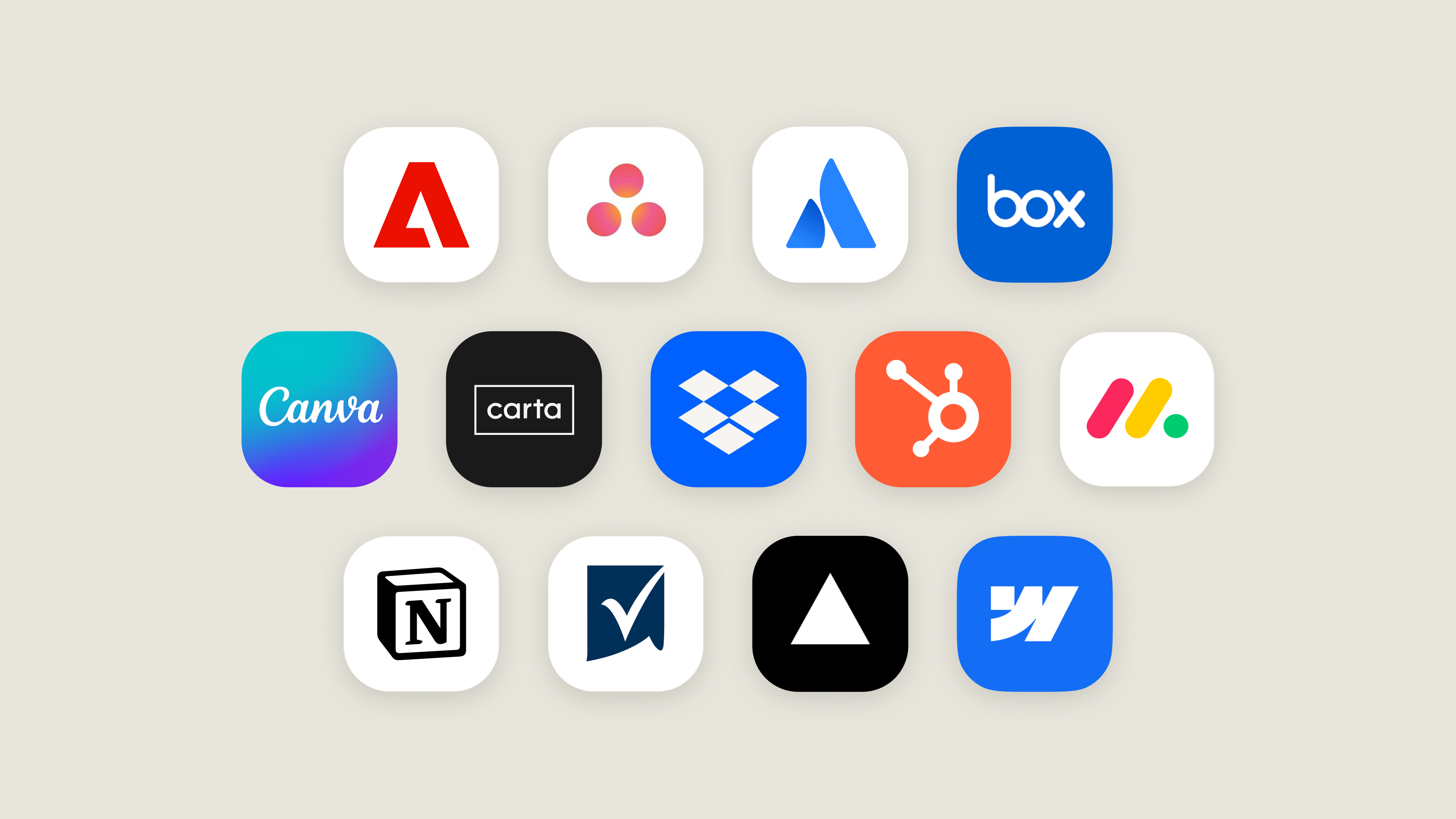
Figma, Harvey, and Shopify are also building integrations, and we encourage other developers to do the same.
For developers: built on MCP Apps
Interactive connectors run on MCP Apps, the open extension to the Model Context Protocol (opens in new tab) that lets an MCP server bring its own interface into AI applications. An MCP App you build isn’t limited to Claude and can run in any AI application that supports the extension (opens in new tab).
Until now, MCP Apps in Claude have mainly appeared as interactive views in the conversation. Claude now supports more of the extension, such as app tools, along with embedded sites, so a developer’s full app can run inside Claude.
Support for these capabilities is in public preview for developers. Developers can start building with them today. Read our docs (opens in new tab) to start building.
Getting started
You can connect the tools we mention above from the directory (opens in new tab), then open any tool from your chat or pin it to your sidebar.
For admins: If your organization already allows all of a connector’s tools, its new features appear as they roll out. Admins can restrict a connector’s tools the same way they do today.
Transform how your organization operates with Claude
See pricingContact sales
Get the developer newsletter
Product updates, how-tos, community spotlights, and more. Delivered monthly to your inbox.
Please provide your email address if you'd like to receive our monthly developer newsletter. You can unsubscribe at any time.
正文以来源语言显示。
参考来源